



WiseOne
How-to-Videos

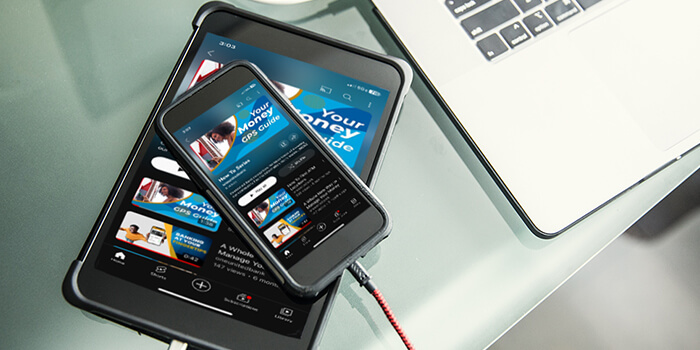
We believe financial empowerment starts with the right tools and the knowledge to use them.

From smart budgeting to advanced features, these how to videos show you how to navigate WiseOne and make the most of your money management experience. It’s like having a personal financial coach in your pocket.

Getting Started in 4 Easy Steps

Master Your Finances. Connect checking, savings, and investments to see your full financial picture. Link accounts, track spending, and automate notifications.

How to Use the Accounts Tool

All Your Accounts in One View. Consolidate balances from all your financial institutions. Manage manual assets like property and merge duplicates for an accurate net worth.

Using the Debts Tool

Payoff Debts Faster. Compare different methods to get debt-free faster. View payoff dates, interest savings, and future principal/interest breakdowns.

Using the Net Worth Tool

True Wealth Tracking. Monitor your total assets vs. liabilities over time. See your value update automatically as you grow savings and pay down debt.

Using the Spending Tool

Visualize Expenses. Use interactive color wheels to track spending categories like dining or gas. Drill down into subcategories to find and fix “holes in your wallet.”

Using the Goals Tool

Future Planning. Set custom targets for emergencies, retirement, or vacations. Goals update automatically as you save, helping you estimate achievement dates with ease.

Using the Trends Tool

Track Your Spending. View 12 months of income vs. spending in one simple chart. Identify long-term financial patterns and ensure you are living within your means.

Using the Transactions Tool

Smart Bookkeeping. Review auto-categorized history from all accounts. Use robust search, custom tags for reimbursements, and an automated subscription tracker.

Need Support or Help?

Our team is available to assist. Reach out with any questions, comments, or feedback and we will get back to you as quickly as possible.

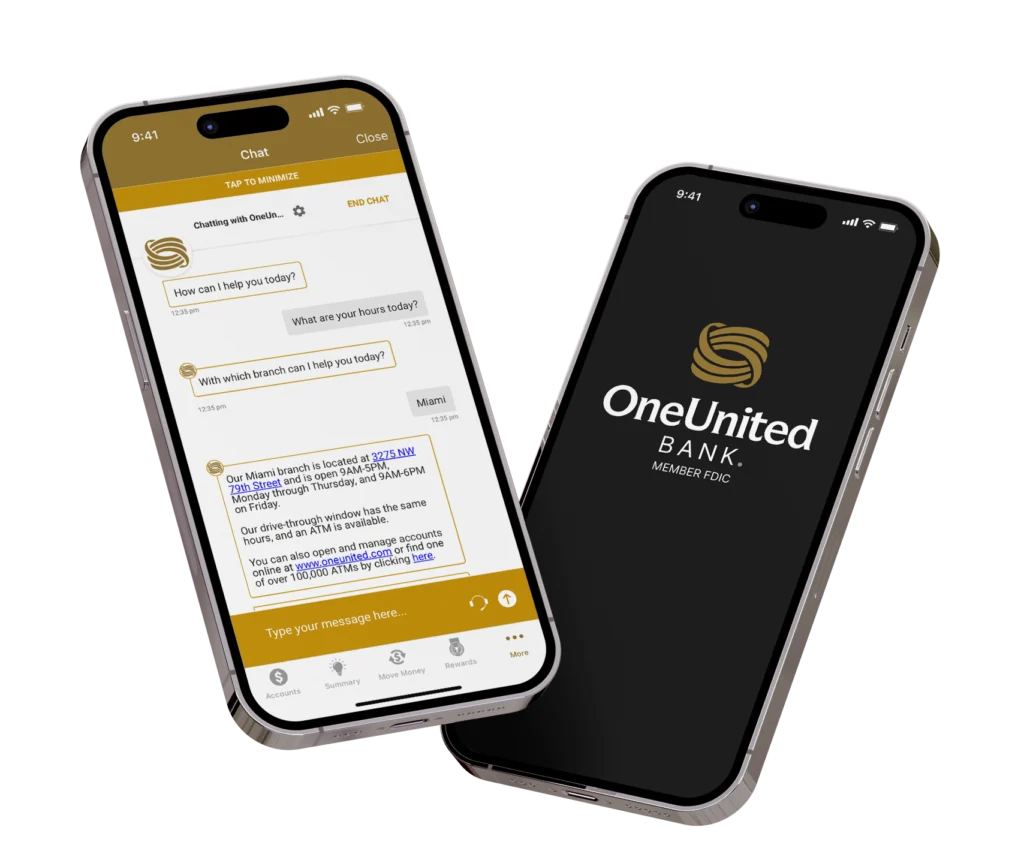
Two iPhones are displayed. The phone on the left shows the OneUnited Bank app with a chat interface. The chat displays a conversation about bank hours and locations, specifically mentioning the Miami branch at "3275 NW 79th Street" and its operating hours, as well as information about online banking and ATMs. The phone on the right displays the OneUnited Bank logo and "MEMBER FDIC" on a dark background.