



WiseOne Money Management
Demos

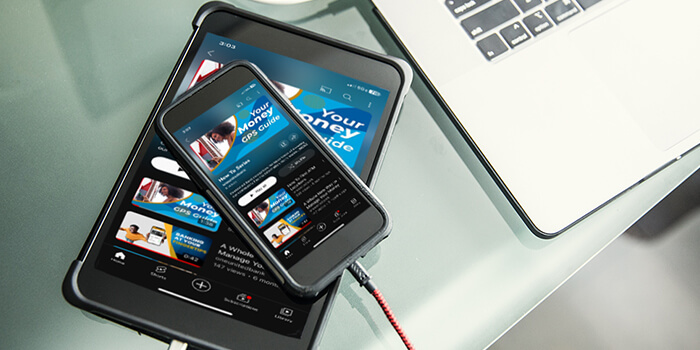
Check out this interactive demo series to harness the power of AI and master your money. Explore the features to take total control of your financial future today.

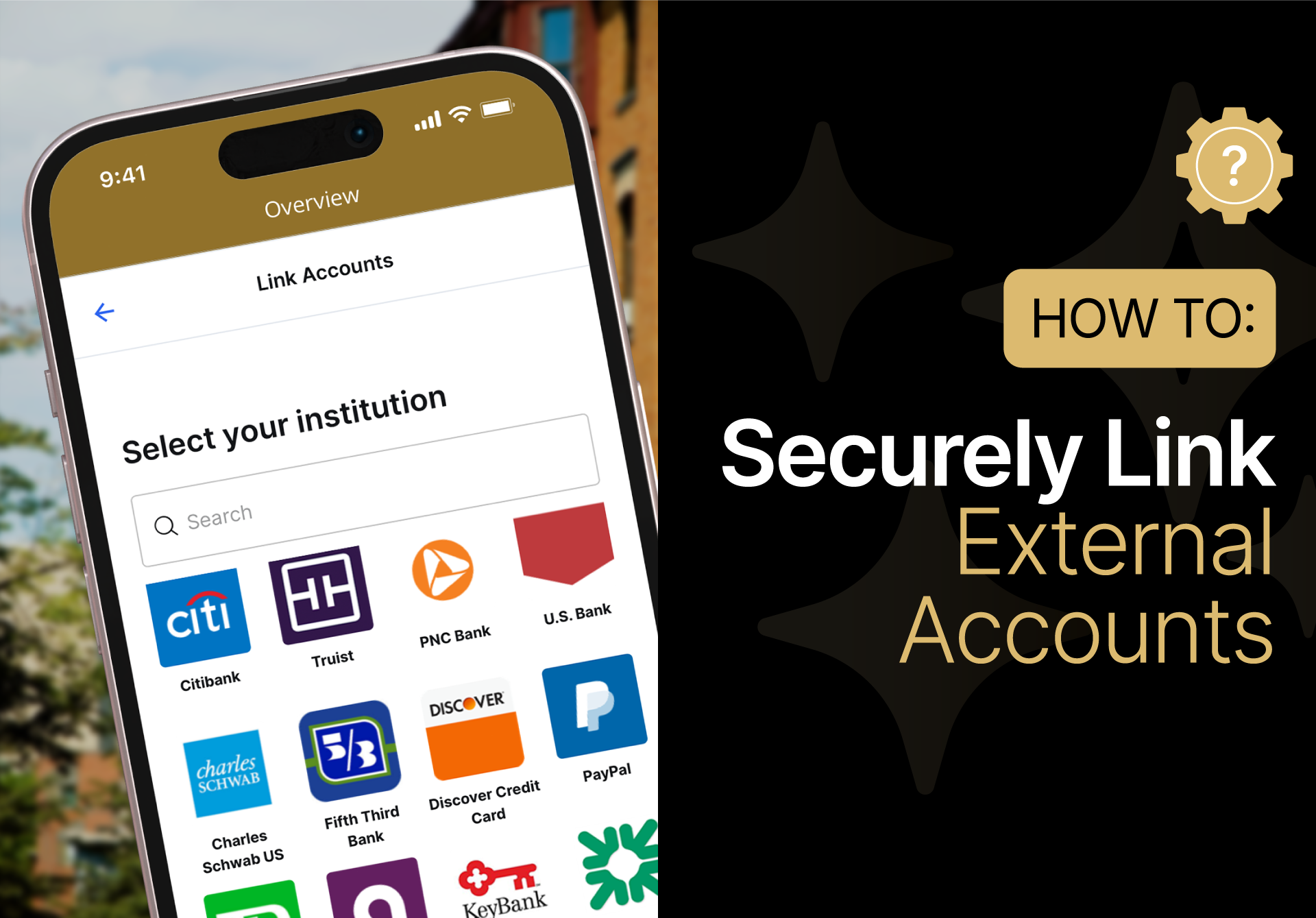
A smartphone displays a screen for selecting financial institutions to link external accounts, alongside text reading "How To: Securely Link External Accounts.

Securely Link External Accounts

Bring your entire financial life into one view. Link all of your external accounts today to get a complete, 360-degree picture of your net worth and spending power.

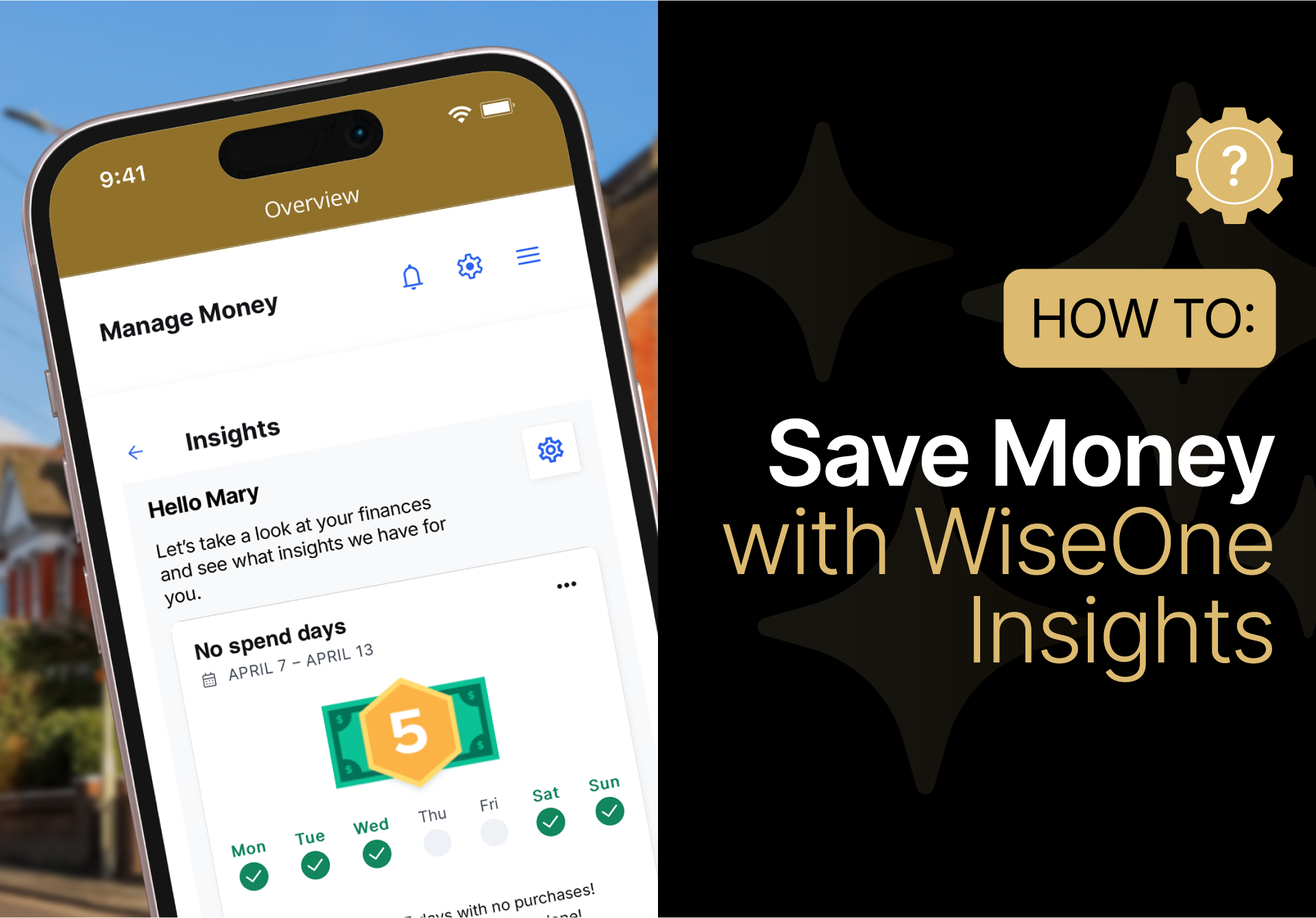
A smartphone displays a finance app showing spending insights. Next to it, text reads "How to: Save Money with WiseOne Insights" on a black background.

WiseOne Insights: Identify Trends & Save Money

Learn how to use WiseOne Insights to identify hidden trends, find saving opportunities, and get immediate insights from your financial data.

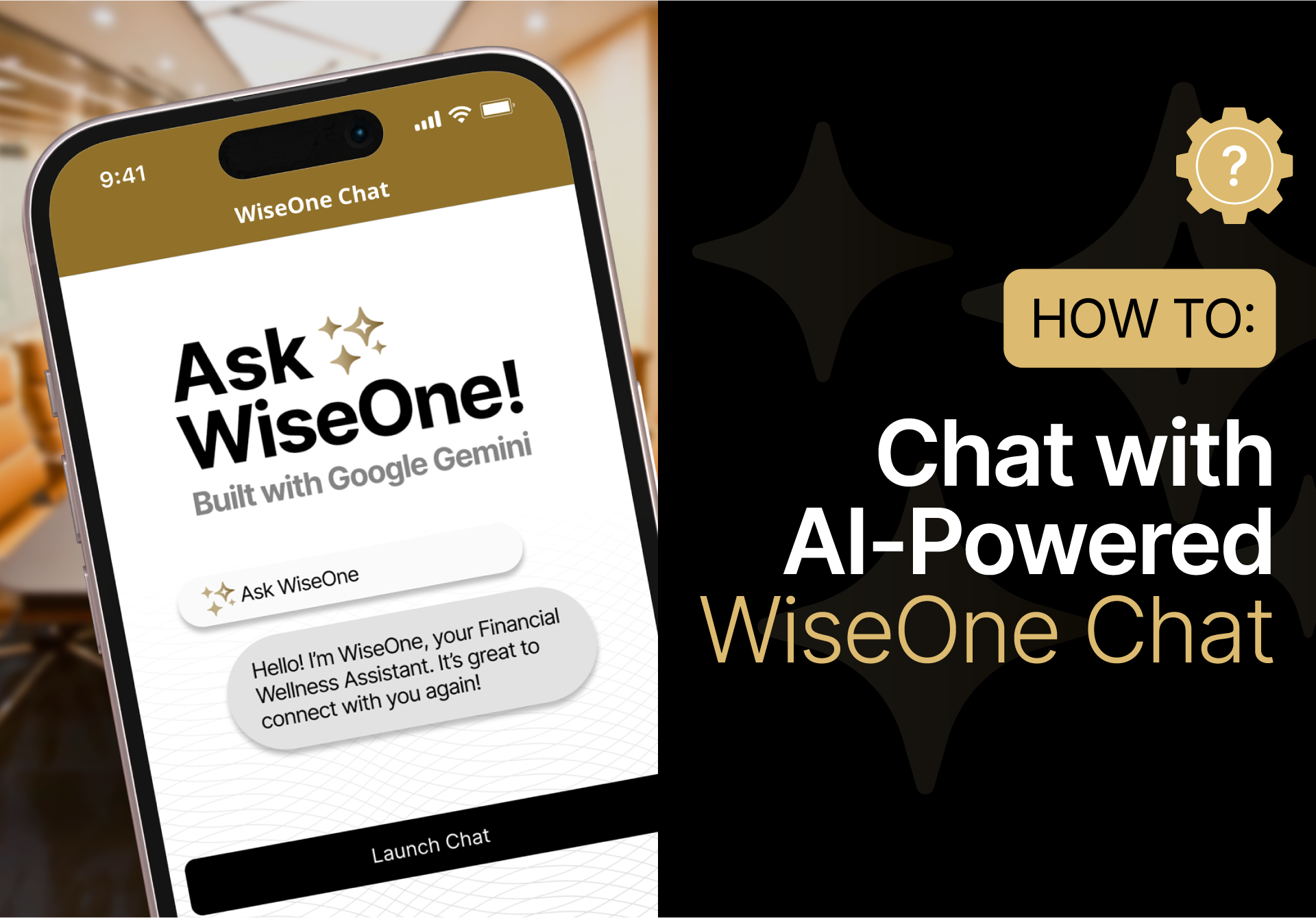
A smartphone displays the WiseOne Chat app interface, highlighting the option to chat with an AI-powered financial assistant built with Google Gemini.

WiseOne Chat: AI Financial Assistant Built with Google Gemini

Learn how to use WiseOne Chat to build budgets, set goals, and get instant answers about your money—all Built with Google Gemini.

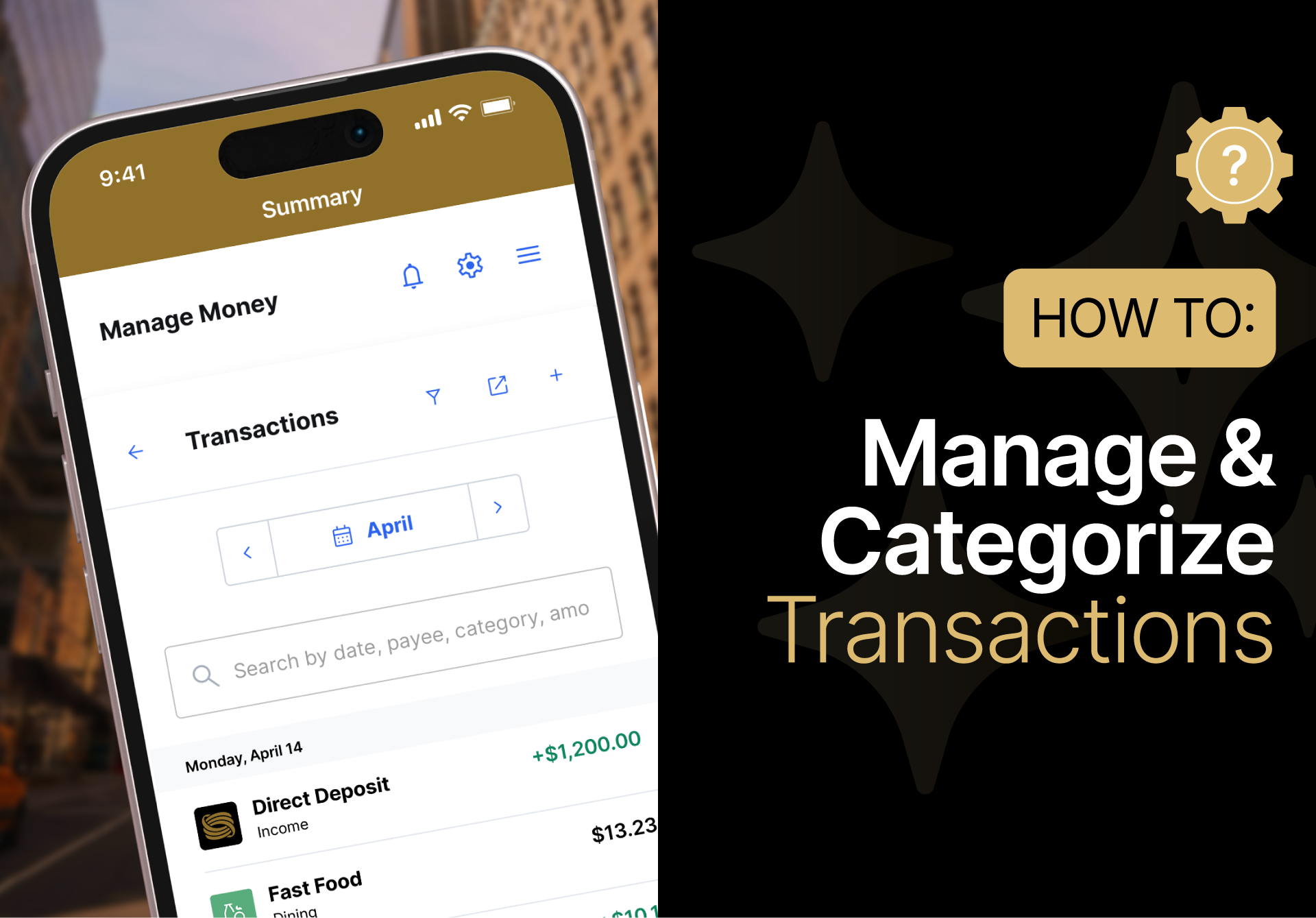
A smartphone displays a finance app's transaction summary; beside it, text reads "How to: Manage & Categorize Transactions" with a gear icon in the top right corner.

How To Manage & Categorize Transactions

Learn how to easily keep your finances organized without the stress. Categorize, search, and track every dollar you spend so you’re always in control of your money.

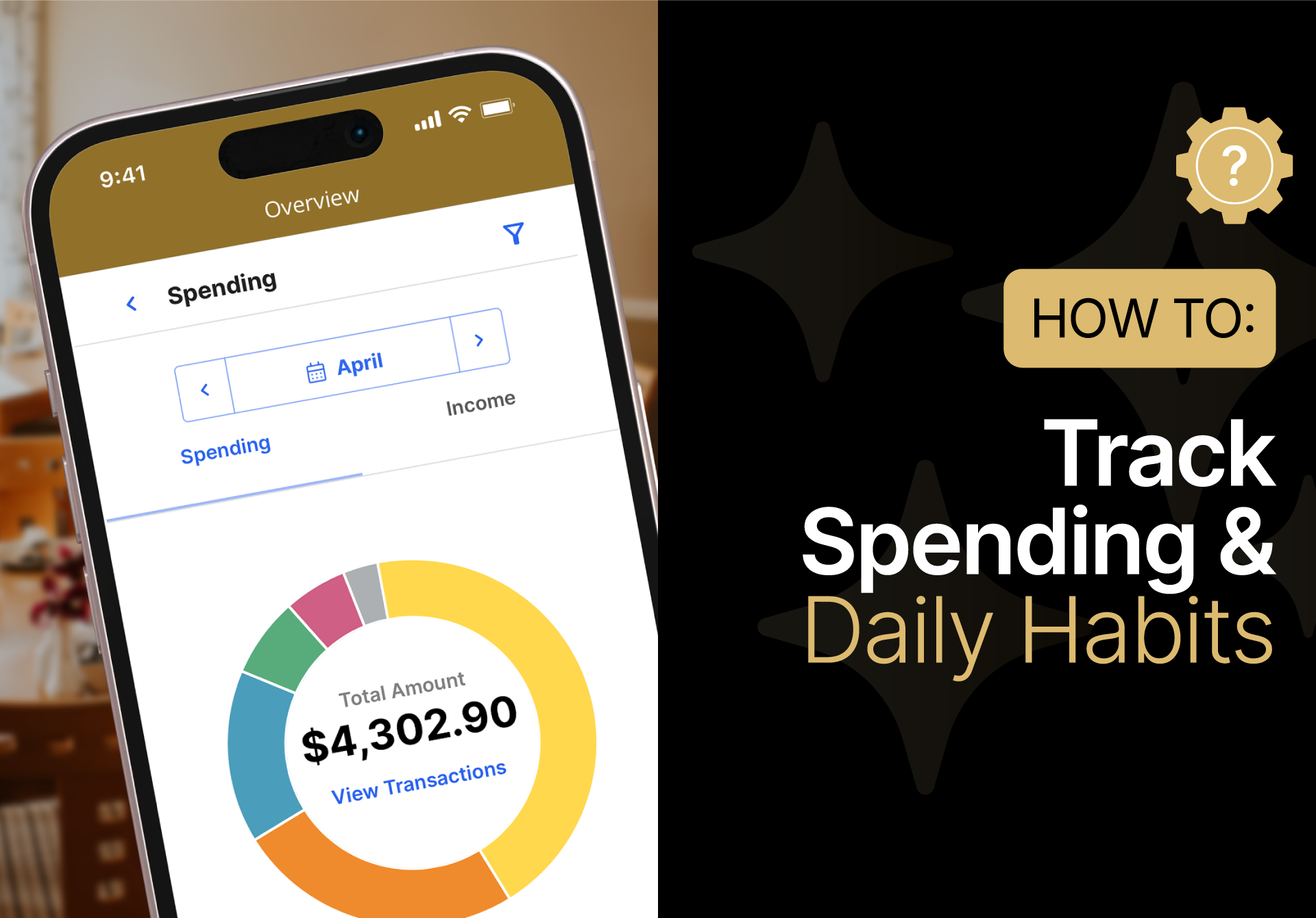
A smartphone displays a financial app showing a spending summary of $4,302.90; beside it, text reads “HOW TO: Track Spending & Daily Habits” on a black background.

Track Spending & Daily Habits

Learn how to keep a pulse on your daily spending habits and stay informed with real-time updates.

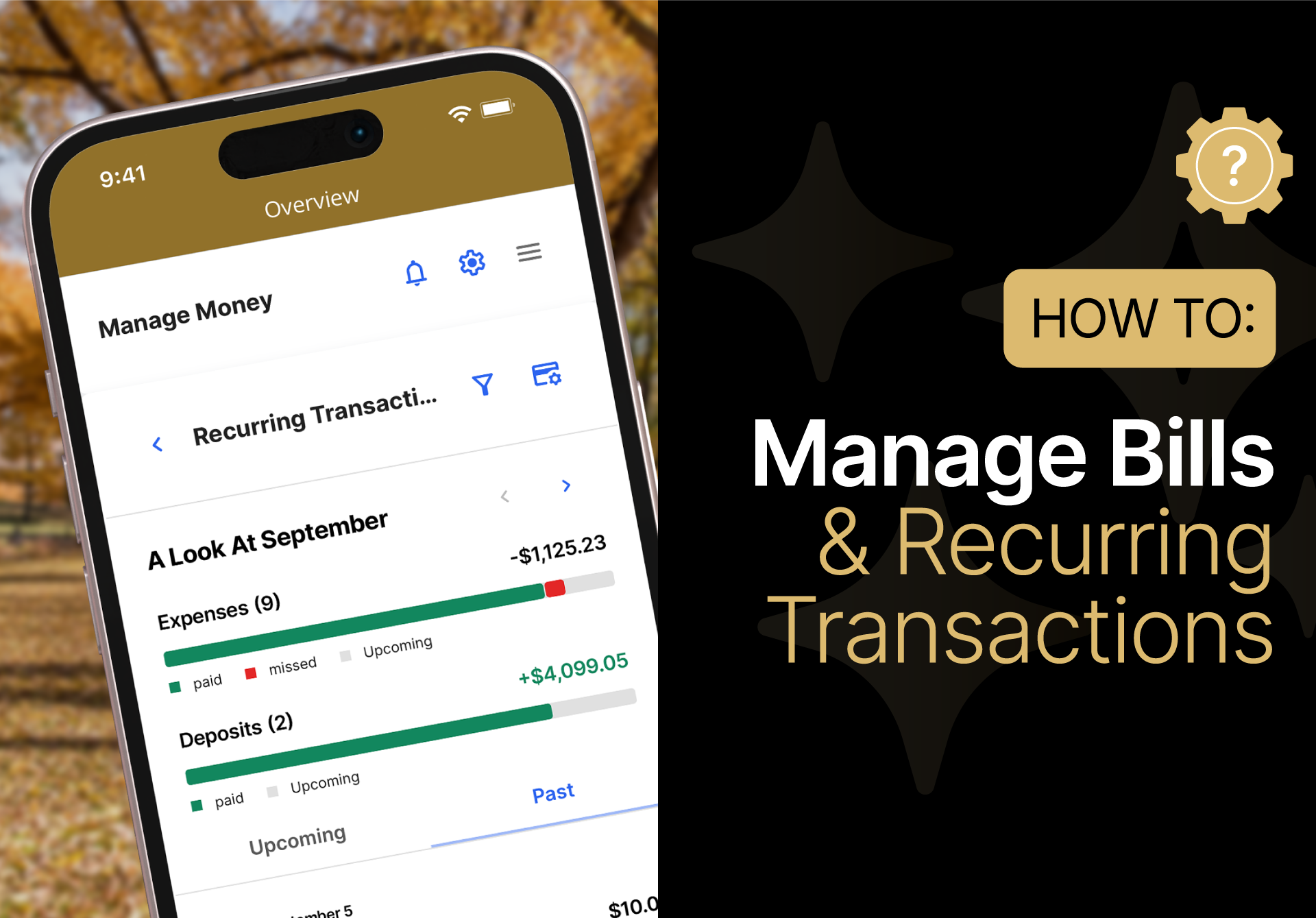
A smartphone displays a finance app’s recurring transactions screen beside a graphic titled "How to: Manage Bills & Recurring Transactions.

Manage Bills & Recurring Transactions

See how WiseOne tracks your monthly bills and recurring payments so you can plan ahead with confidence.

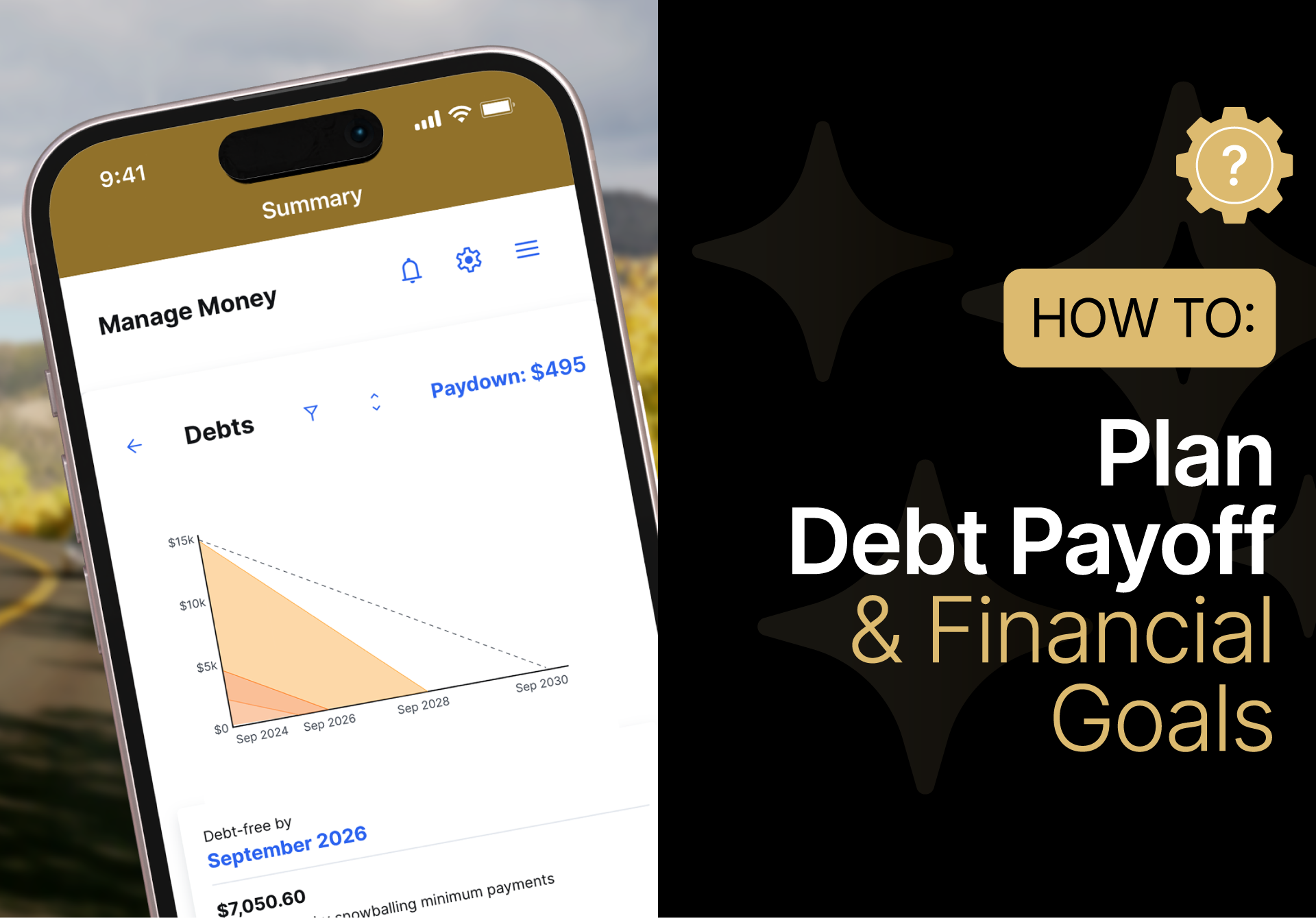
Smartphone screen showing a debt payoff chart next to a graphic that reads "How to: Plan Debt Payoff & Financial Goals.

Debt Payoff Tools & Financial Goal Setting

Whether you’re crushing student loans or building an emergency fund, learn how to create a personalized roadmap to become debt-free and reach your goals faster.

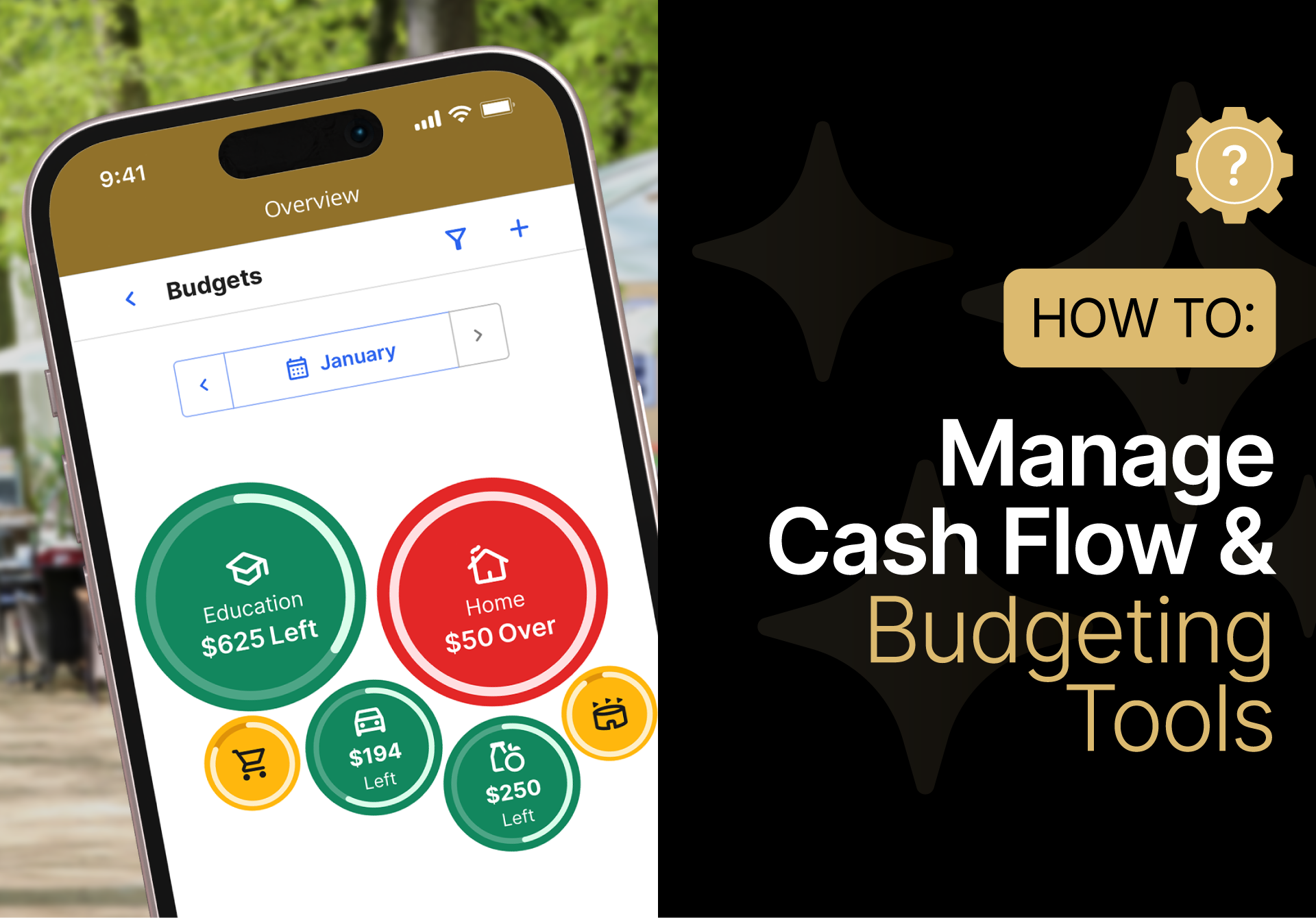
A smartphone displays a budgeting app with categorized spending, next to a graphic titled “How To: Manage Cash Flow & Budgeting Tools.”.

Cash Flow Management & Budgeting Tools

Learn how to build a budget that actually works for your lifestyle, and visualize how money moves in and out of your account each month.

WiseOne Money Management is offered to Essential Checking customers, for no additional cost. See OneUnited Bank disclosures for details. For Subscribers who do not have a OneUnited Bank account, WiseOne is a money management tool. It is not FDIC insured. See WiseOne disclosures for details.

Need Support or Help?

Our team is available to assist. Reach out with any questions, comments, or feedback and we will get back to you as quickly as possible.

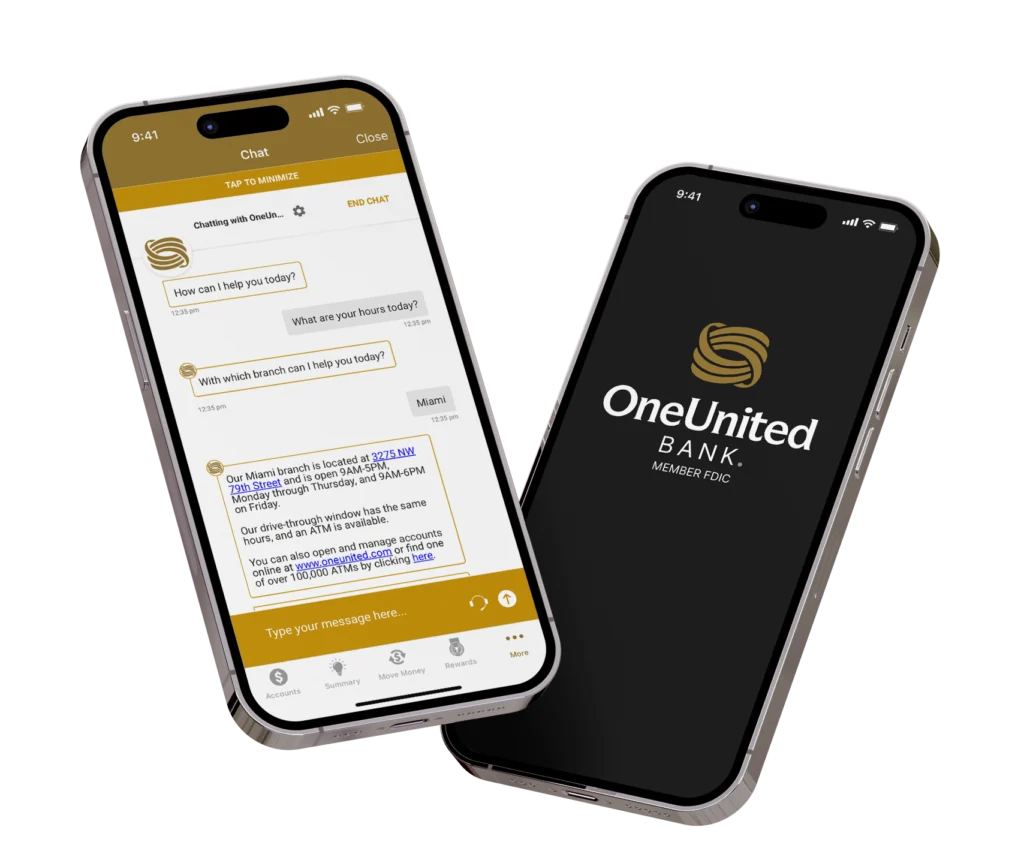
Two iPhones are displayed. The phone on the left shows the OneUnited Bank app with a chat interface. The chat displays a conversation about bank hours and locations, specifically mentioning the Miami branch at "3275 NW 79th Street" and its operating hours, as well as information about online banking and ATMs. The phone on the right displays the OneUnited Bank logo and "MEMBER FDIC" on a dark background.