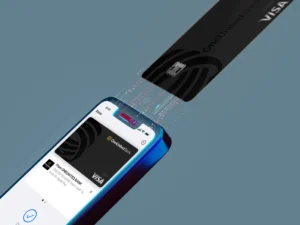




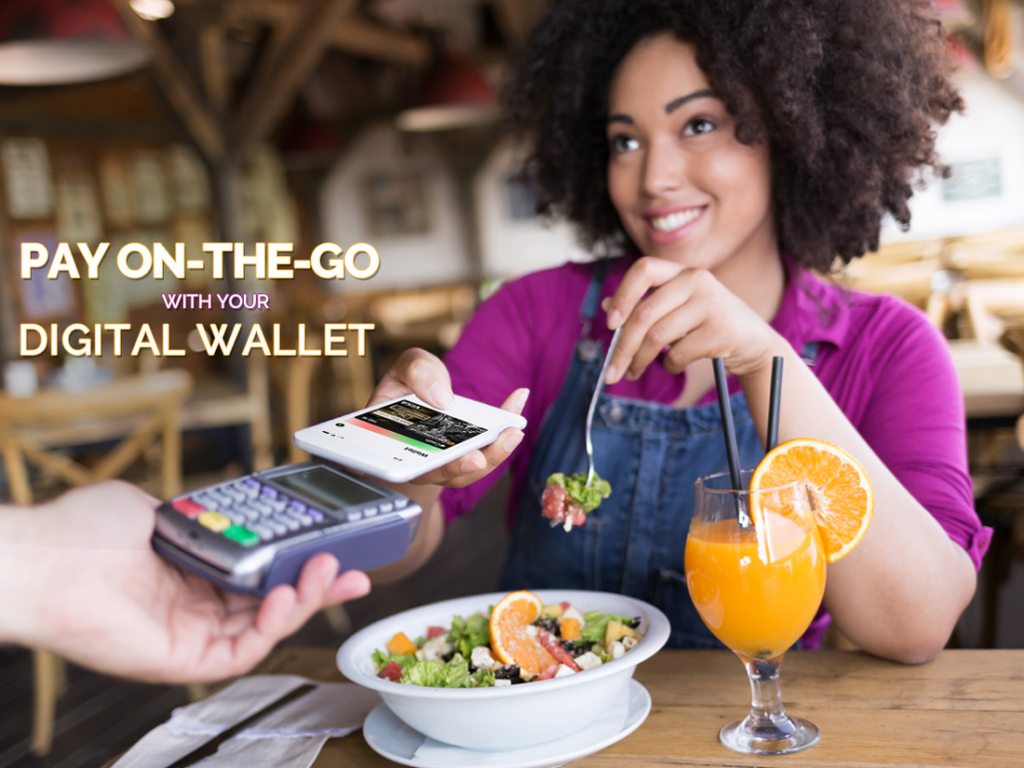
Digital Wallets are exactly what they sound like: a way of keeping your payment methods on a digital source, like a smartphone. You can use what’s in your digital wallet instead of your physical one to make purchases online and even in person, you can even use it to send money to friends and family. Depending on what your needs and preferences are, there are many digital wallet apps available today. But for the purpose of this article, we’ll be focusing on two of them: Apple Pay and Google Pay.
Making an In-store Purchase with Apple Pay
- Open your Wallet app and select the card you want to use, making sure your phone is within distance of the contactless reader.
- Rest your finger on the TouchID or glance at your phone to use FaceID until you see a checkmark on your device’s screen. If you aren’t using an iPhone, these steps will be different.
If shopping online, simply look for the “Apple Pay” button during checkout.
Set Up Apple Pay Cash
With Apple Pay Cash, you can send and receive money with other people who have opted into Apple Pay Cash. You can use this money to make purchases or have it transferred to your bank account.
- Open your settings app and tap Wallet & Apple Pay.
- Tap the Apple Cash card and follow the instructions to adding the debit card of your choice.
Once verified, you can begin sending and receiving money. If you have difficulties verifying your debit card, check with your issuer. If you #BankBlack with us, rest assured your card works with Apple Pay and Apple Pay Cash!
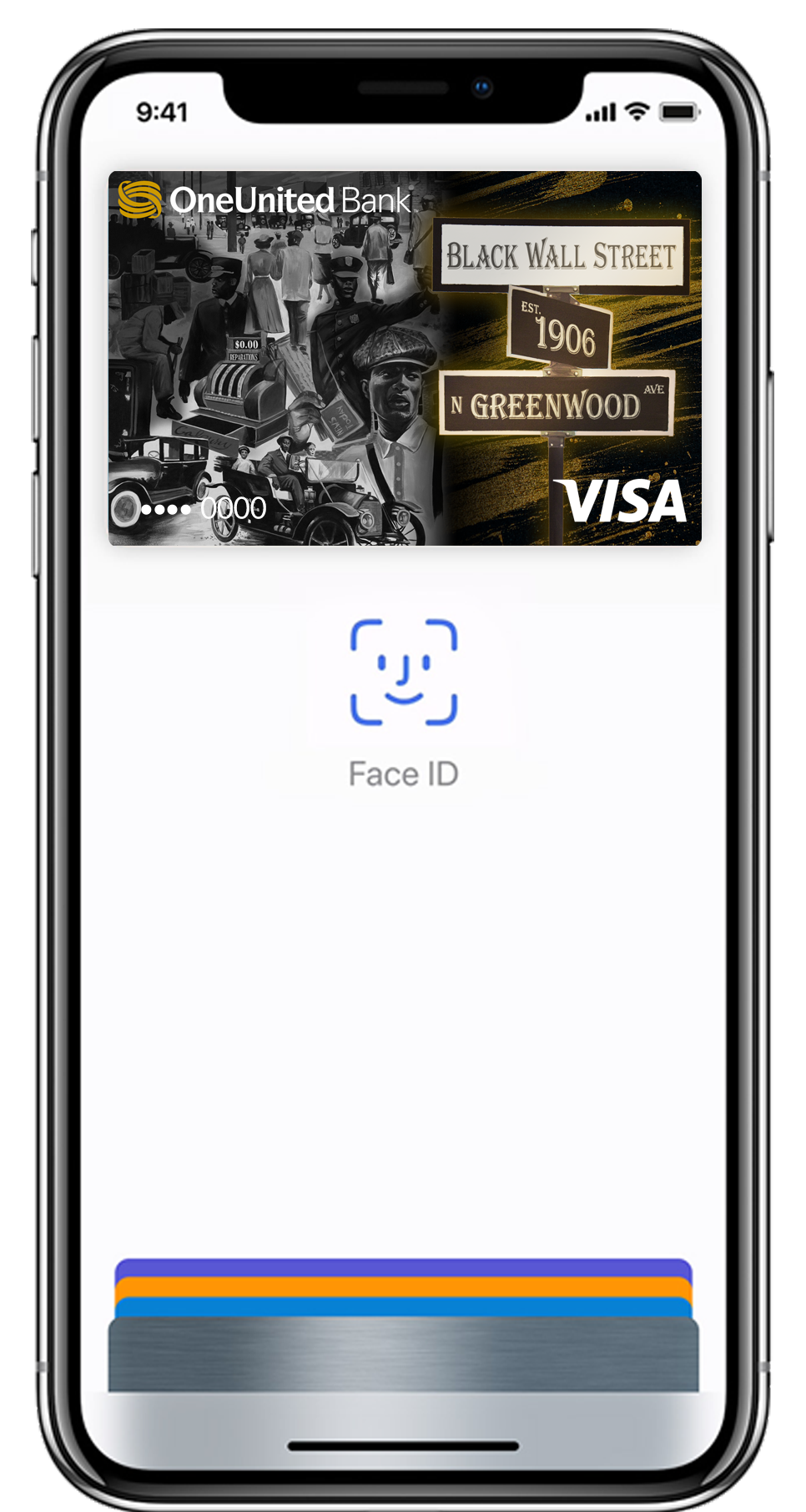
Apple Pay
Exclusively made for iPhones, Macs, Watches, and iPads, Apple Pay is the company’s take on digital wallets. In just a few steps, you can link your cards (and even plane tickets or event passes) and begin making purchases and sending money with a single touch.
Set Up Apple Pay on Your iPhone
- Visit the Wallet app on your device and tap the plus sign.
- Follow the instructions to add the card of your choice.
- When finished, tap next.
Your card issuer will verify that the information you provided was correct and your card can be used with Apple Pay. Once verification is successful, your card info will be securely stored to your wallet.
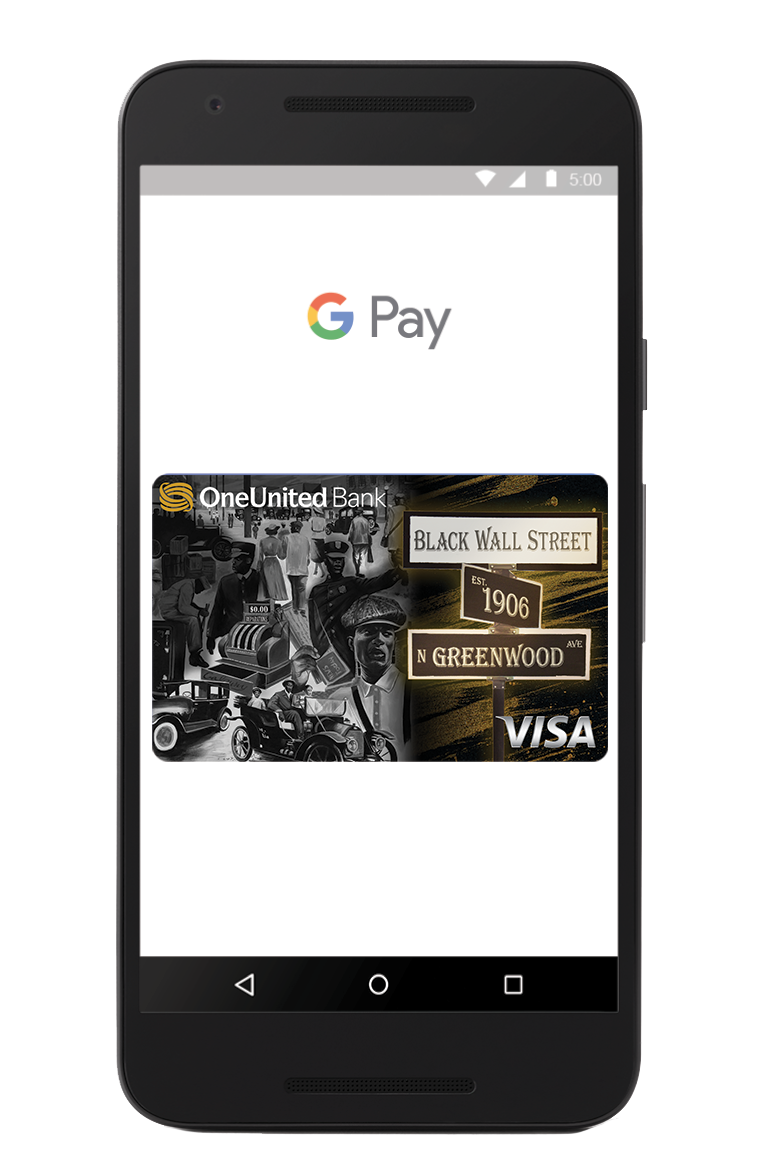
Google Pay
For those who don’t own an Apple device or prefer not to use Apple Pay, Google Pay is another popular digital wallet alternative. Depending on your device and location, you can make purchases and send or receive money on the app or the website.
If you’re using an Android device, open the app and follow the instructions to add your card. Once it is added, you can begin making purchases and sending money. When making an in-store purchase, simply unlock your phone and hold it over the contactless reader until you see a checkmark. All of this can be done without opening the app itself! If shopping online, look out for a “Google Pay” button on the checkout page.
With so many easy to use options to move your money on the daily, instead of reaching for your physical wallet, reach for your digital one instead!