

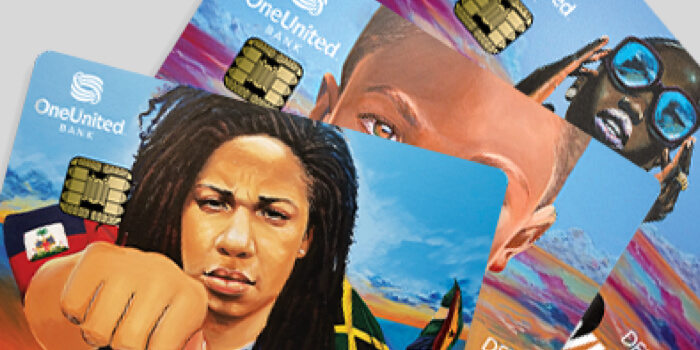


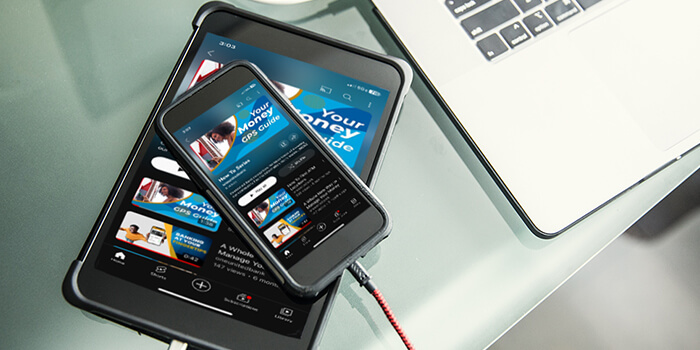
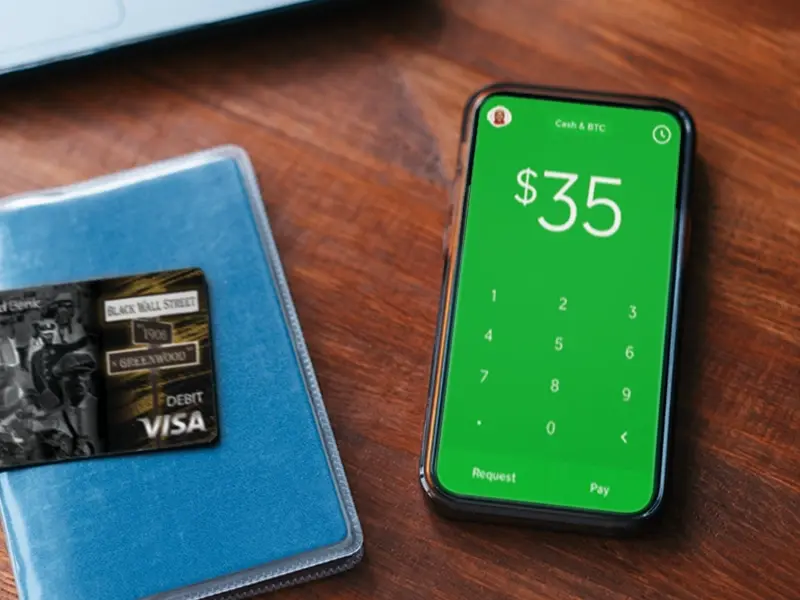
Are you ready? Now you can use Money Moves, Cash App, Venmo, or PayPal with your OneUnited Bank Visa Debit Card! Yet another reason to get the card!
We know you like moving your money easily. Money Moves, Cash App, Venmo, or PayPal are four ways to send and receive money quickly between family and friends. And using these apps helps to connect us all and expand the #BankBlack Movement!
Just follow the simple steps below to link your checking or OneUnited Bank Visa Debit Card to each app.
Connecting Your Checking or Visa Debit Card Is Simple and Safe

For Cash App
(Add your OneUnited Bank Visa Debit Card)
- Download Cash App on your phone and enroll in the service
- Tap the profile icon on your Cash App home screen
- Scroll down and select “Add a Bank”
- Follow the prompts and enter your card information as directed

For Venmo
(Add your OneUnited Bank Visa Debit Card)
- Download Venmo on your phone and enroll in the service
- Tap the “☰” icon in the upper left hand corner of the app
- Tap “Settings” and then select “Payment Methods”
- Tap “Add a bank or card…” and then select “Bank” or “Card”
- Select your preferred verification method and follow the prompts
Now you can send and receive money with ease. And the best part? Making deposits to your OneUnited Bank checking account through these apps counts as a direct deposit and can help you avoid monthly fees.*
SECURITY
It’s important to read the disclosures for these apps carefully. They typically do not offer a protection program for any purchase or sale conducted. If you accidentally send money to the wrong person or use it for a high-risk situation, like buying concert tickets from someone on the internet, Cash App or Venmo will not cover you if you get burned. You should think of these apps as giving cash to someone and protect yourself from fraud or a security breech by following the app instructions carefully.
To learn more about these apps, visit their websites:
Money Moves: https://www.oneunited.com/moneymoves/
Cash App: https://cash.app/
Venmo: https://venmo.com
PayPal: https://www.paypal.com
*OneUnited Bank customers can avoid monthly fees any and every month they have a direct deposit into their BankBlack Checking account as well as use their Visa Debit Card to make at least 10 purchases within that same month.