



WiseOne Money Management

Introducing WiseOne:
Let AI Fix Your Finances!

Works with ALL your financial accounts, wherever you bank.

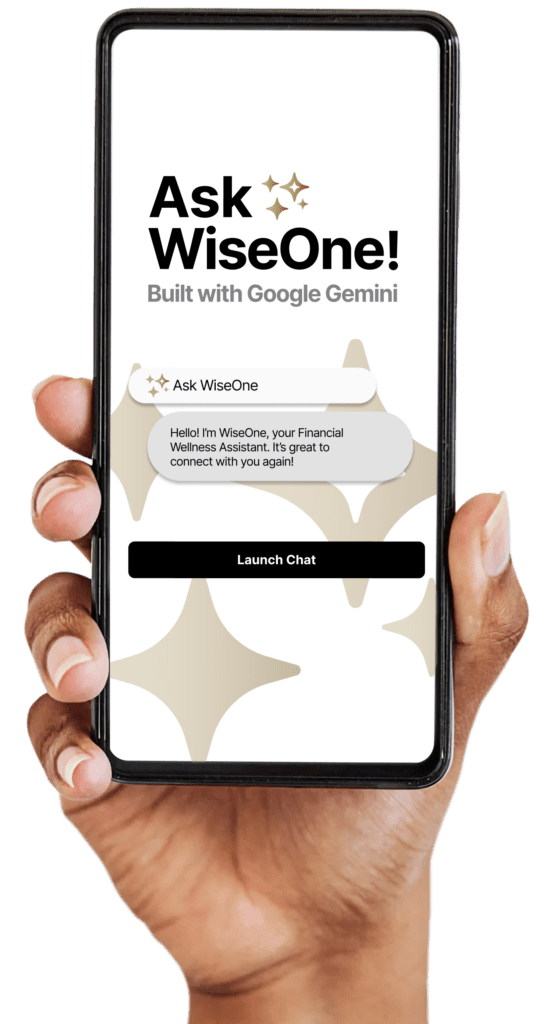
A hand holds a smartphone displaying an app called WiseOne, built with Google Gemini, with a chat message and a "Launch Chat" button on the screen.

Sign up here!

As mentioned in the following media outlets:

Logo displaying the word "Bloomberg" in bold, black letters. Wall Street Journal Logo New York Times Logo Black and white CNBC logo with the peacock on the left. The word "ESSENCE" in bold, black, uppercase letters against a transparent background. Cheddar News logo in black and white.

The Wise Way to Manage Your Money.

Get WiseOne, a state-of-the-art AI-driven conversational money management platform built with Google Gemini. Ask questions, get answers. An all-in-one solution to link all your financial accounts and receive a personal financial AI assistant, wealth and credit-building tools, and more.

You’ll be wowed!

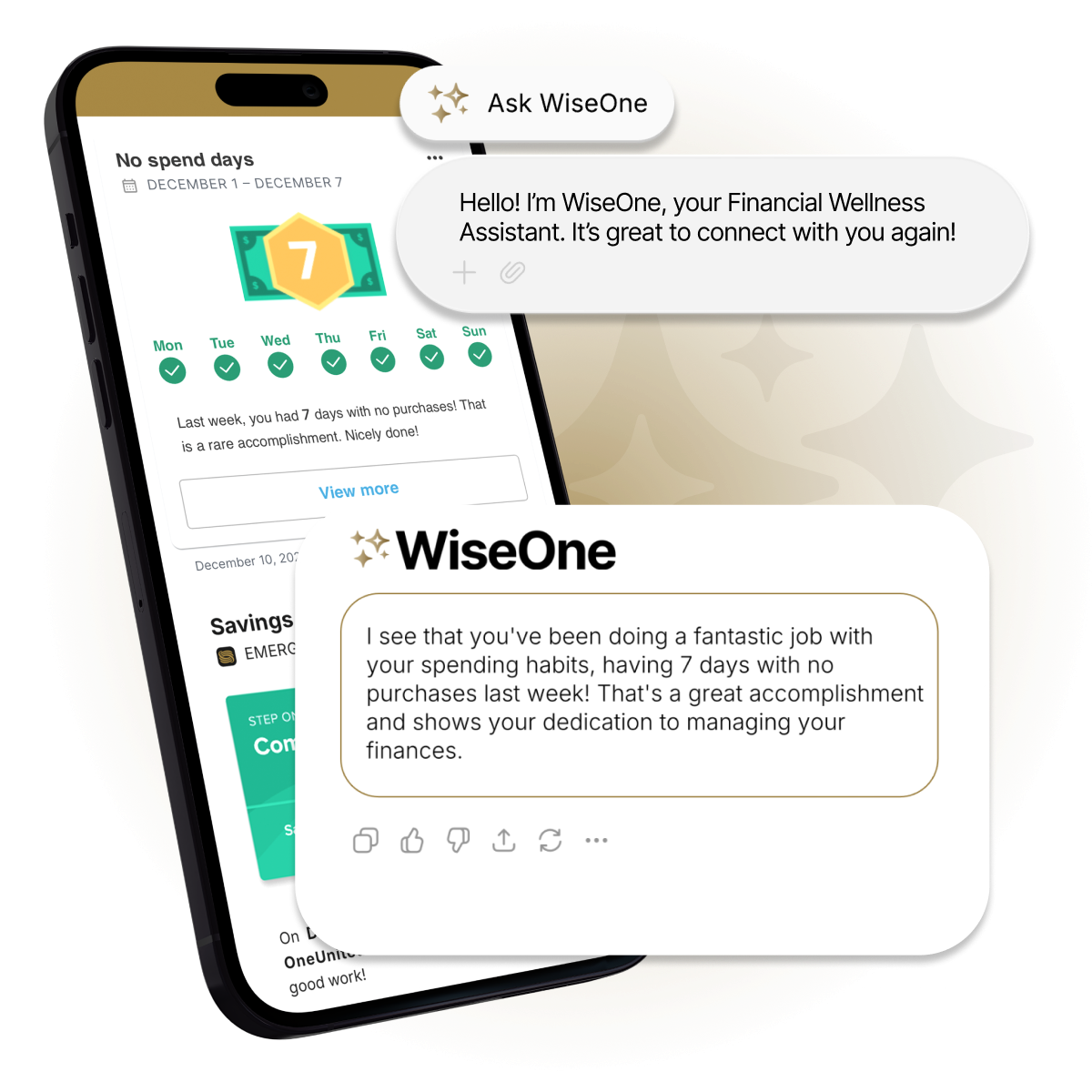
A smartphone displays a financial app showing a no-spend streak and savings milestone; a chatbot message offers encouragement and financial advice.

Key Features That Make a Difference

FAQs

Get the Card

Supercharge Your Wallet

Get the Card! Get 2-day early pay, 100,000+ surcharge-free ATMs and more. No monthly maintenance fee with Basic Checking.

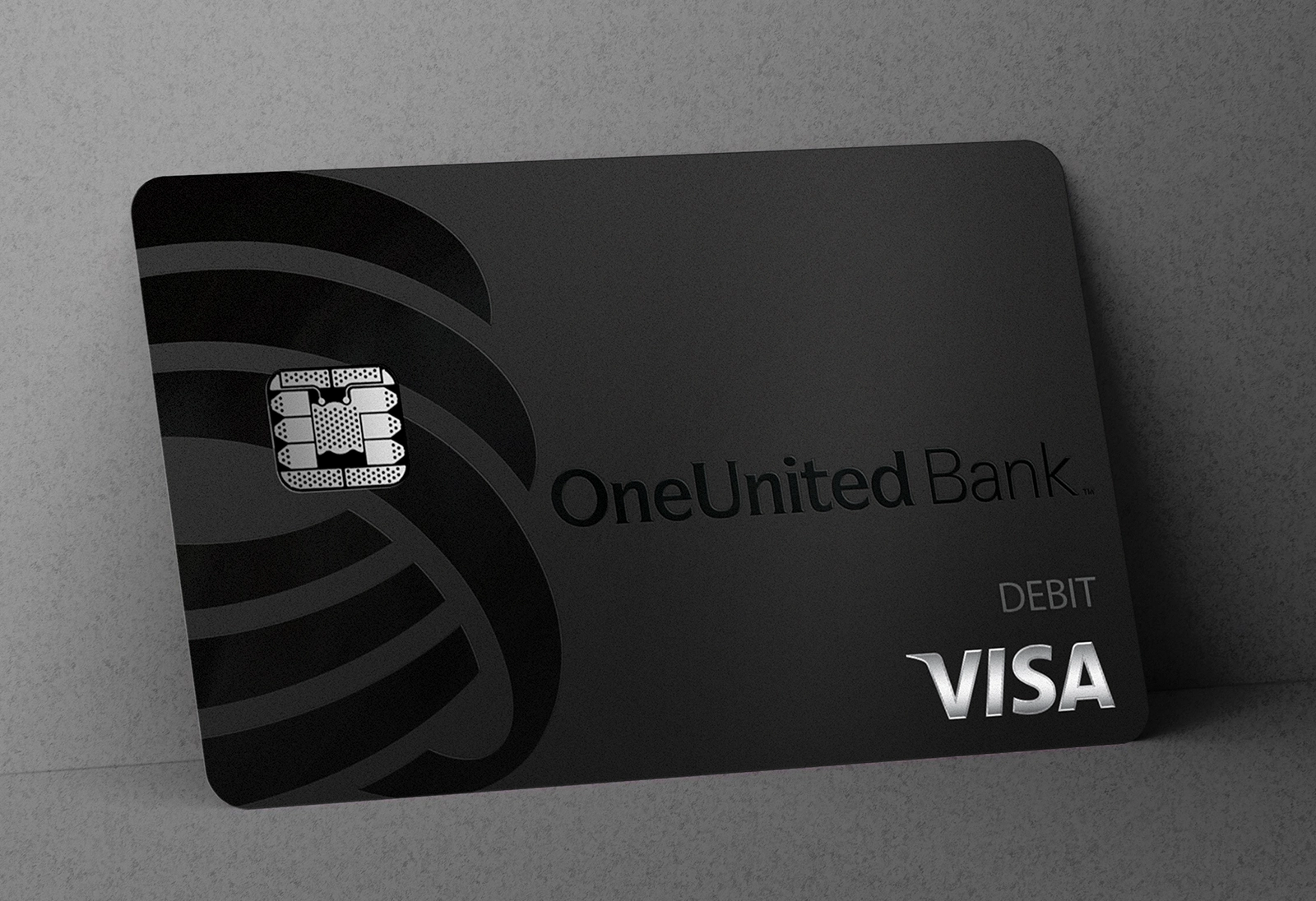
A black OneUnited Bank Visa debit card with a chip is propped against a gray surface.

Get the Card Today!

Discover the OneUnited Difference.

Already have an account? Log in

Access TheOne Digital Banking Solutions

TheOne Digital Banking Solution

EASY AS 1-2-3

How to Get a OneUnited Visa Debit Card

FAQs

General FAQs

Who is OneUnited Bank? >
  • OneUnited Bank is a multi-year, award-winning Community Development Financial Institution (CDFI) with branches in Boston, Los Angeles, and Miami. We are also an FDIC-insured, full-service bank with state-of-the-art technology including our WiseOne Money Management service with a conversational agent powered by Google.
Where are OneUnited Bank's locations? >

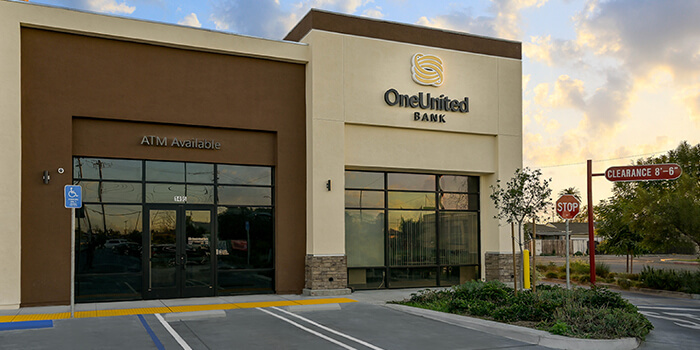
OneUnited Branch Locations

  • California Corporate Office and Crenshaw Branch
    3683 Crenshaw Blvd., Los Angeles, CA 90016
  • California Compton Branch
    1495 N. Wilmington Avenue, Compton, CA 90222
  • Florida Miami Branch
    3275 NW 79th Street, Miami, FL. 33147
  • Massachusetts Corporate Headquarters (Non-Cash Branch)
    185 Devonshire Street, Suite M100, Boston, MA 02110
  • Massachusetts Grove Hall Branch
    648 Warren Street, Dorchester, MA 02121

ATM Locations

  • With OneUnited Bank, you can withdraw cash, surcharge-free, at over 100,000 ATMs* including Chase branch ATMs, CitiBank branch ATMs, and US Bank branch ATMs.
  • Watch our video on how to find ATM locations HERE.
  • You can also find our surcharge-free ATMs in local retailers such as Target, CVS Pharmacy, Walgreens, Rite Aid, and Costco Wholesale. (Not all retail locations participate in every market).
  • Visit our locations page to be sure the location is surcharge-free.
  • Learn how to filter for a specific type of ATM, e.g. Surcharge-free, click here.

Please Note: Chase Bank branch ATMs and CitiBank branch ATMs do not appear in our Location Finder. You will need to search for these separately via their website or any mapping service (e.g. Google Maps).

*For withdrawals only. Includes Allpoint and MoneyPass surcharge-free ATM networks with ATMs located in Walgreens, CVS, Target, Costco, and other participating retailers and financial institutions, plus Chase Bank branch and Citibank branch ATMs.

How can I access mobile banking? >
  • You must sign up for mobile banking after becoming a new customer. You are also required to re-register for mobile banking if you have not logged in in for over six months.
  • Click here to sign up or re-register for mobile banking..
  • If you forgot your login, simply click on Forgot Login (here) to reset your name and password.
How can I access online banking? >

Important: After 3 unsuccessful password reset attempts, you will be locked out of the account for 6 hours. After this period, you will be able to re-attempt login or reset your password by following the steps below.

New Customer

  • If you followed the instructions to select a username and password at the time of account opening or via the email sent to you upon approval of your application, you should use your self-selected username and password for your first login. In this case, you are not required to use the online banking registration form below.
  • If your application has been approved and you have not yet created a username and password, click HERE to register.
  • If your application has not yet been approved, you cannot yet create a username and password. Click HERE to check your application status.
  • If you already created a username and password, but forgot your login information, click HERE to reset your information. Do not share your OneUnited Bank password with anyone.
    • The temporary password is lower case only and doesn’t include special characters.

Existing Customer

  • If you forgot your OneUnited Bank online or mobile banking password, click HERE. Do not share your OneUnited Bank password with anyone.
    • The temporary password is lower case only and doesn’t include special characters.
  • You may be required to re-register for online banking if you have not logged in for over six months. Click HERE to register.
 Already have an account?
Create a username and password
 
Already have online access?